Builder post additional query
Behaviour
Before get started, you need to understand the behaviour of this option. Simply speaking, It appends new information to your query. If you understand WP_Query and want to rewrite entire the query of the post widget, please consider using
Custom query
option.
Behaviour 1: It appends
This option will
APPEND
additional query information to your existing query options. Note that this is different from custom query behaviour, which will OVERRIDE completely your query options. For instance, in your Query tab, you have already: “Display 10 Most viewed posts”.
Say if you have additional query like:
{“category_name”:”opinion”}
then It’ll display 10 most viewed posts from category Opinion.
But if you have custom query like that, It’ll override all of your query options. It’ll display posts from Opinion. And how many posts in which order, depends on Wordpress default fallback.
Behaviour 2: It overrides when having same key
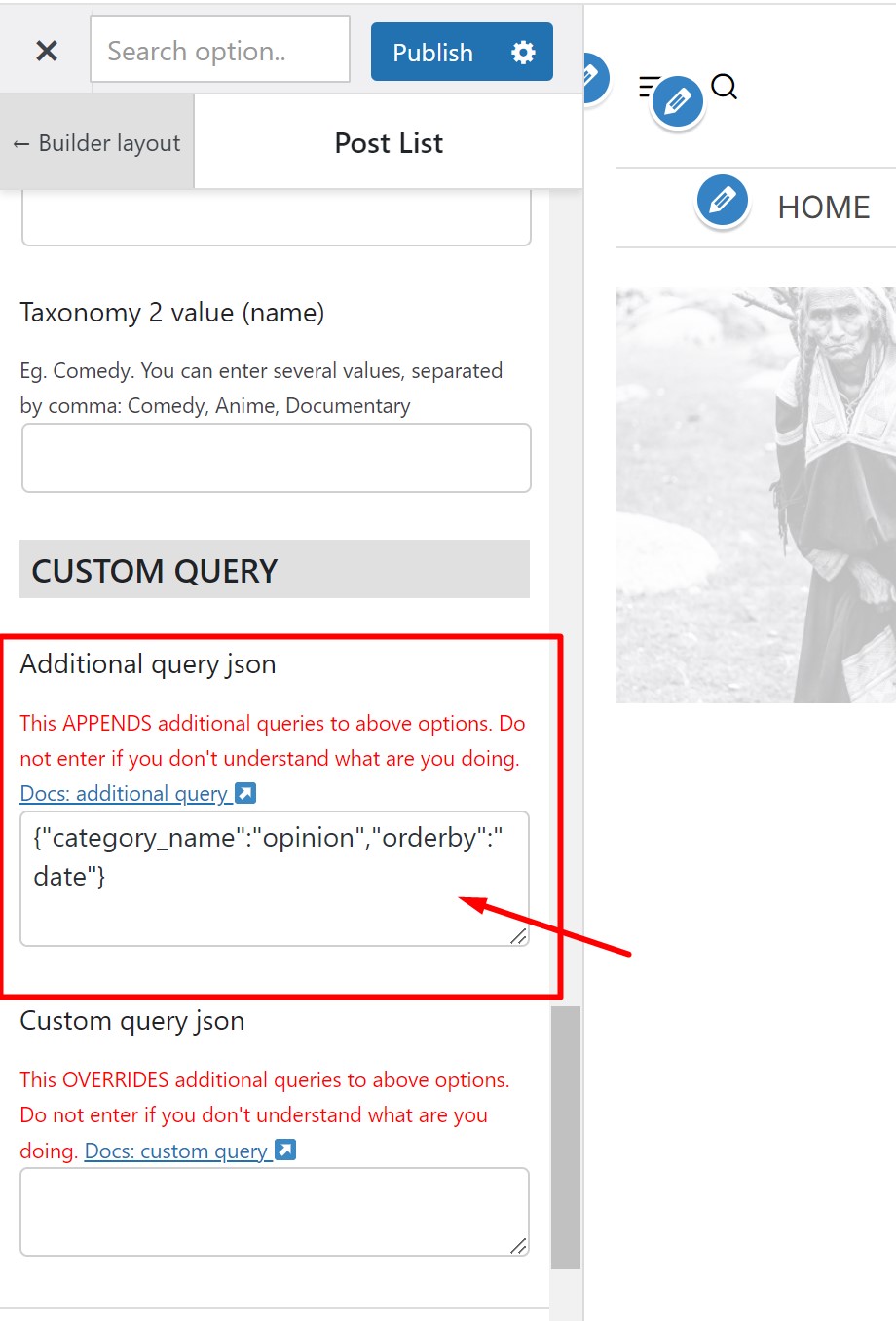
Additional query will override your query options in case they have the same key. For instance, if you choose to display 10 most viewed posts from builder interface. But your additional query looks like this:
{“orderby”:”date”,”category_name”:”opinion”}
then It’ll override the
orderby
value. So after that, query will display 10 latest posts from category opinion, because orderby view has been overridden by oderby date.
Step-by-step
- Step 1
-
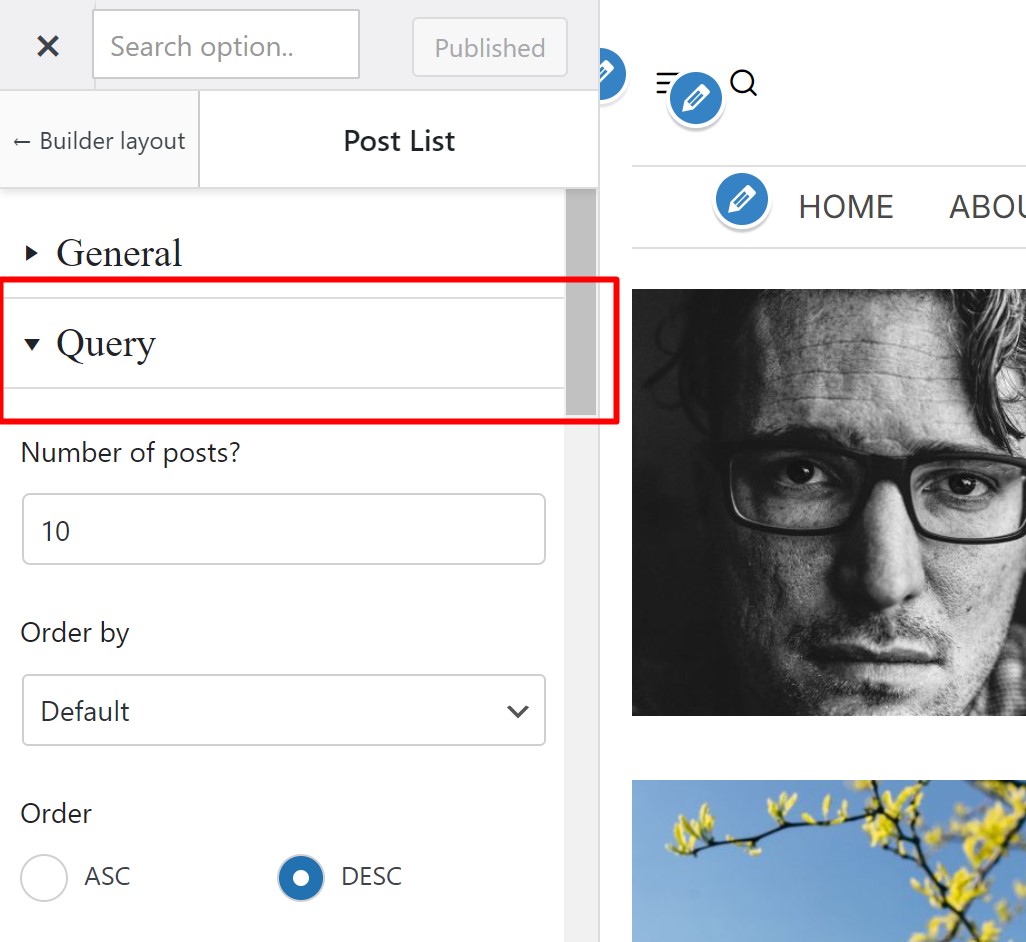
Edit your post element, click to expand
Query
tab, then scroll down to
Custom query
area.
- Step 2
-
Get json code of your additional query array. If you’re not sure how to get the json code of additional query, please read
this article
.
- Important note
-
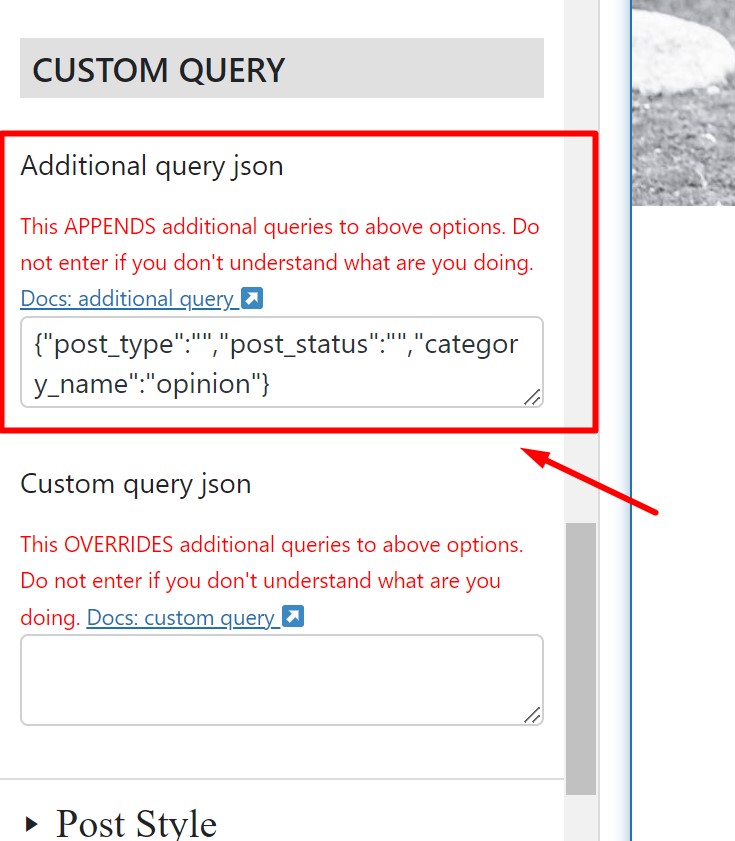
When you use WP Query Generator tool, It often generate empty string
”“
when the key is empty. Even the key is empty, It still override the theme query keys. For instance, if you have
“orderby”:”“
, It still overrides the builder query orderby value. So you’ll need to carefully remove those empty key/value pairs if you don’t want them to override your builder query options.
- Step 3
-
Enter your json code to the textarea: