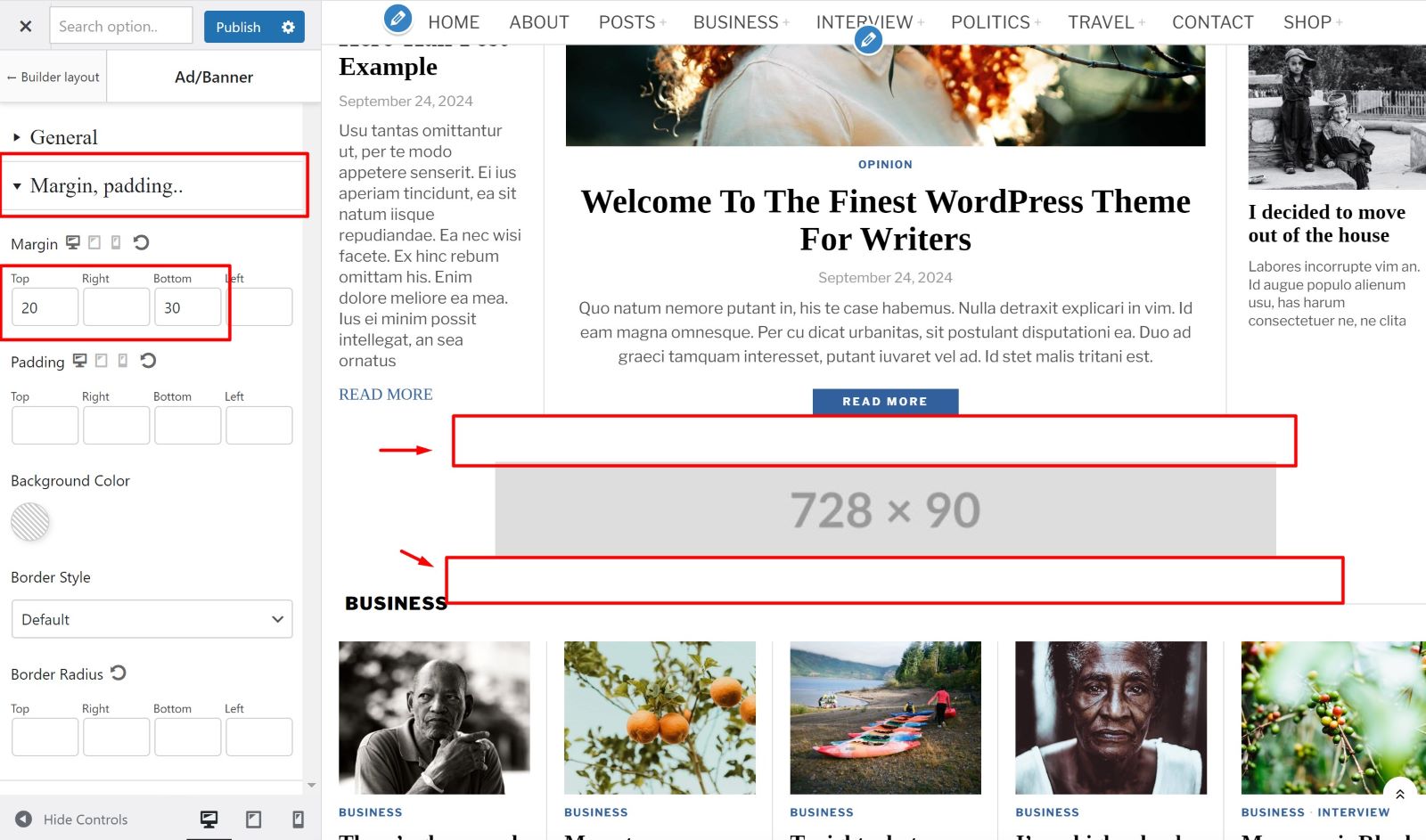
Ad element
To add banner/ads to your homepage, here’s the guide.
Step 1
. Go to
Customize > Homepage builder
.
- Step 2
-
Create a new section if you have no sections. Or you can use existing section. If you have an exsisting section and you want to insert advertisment / banner into that area, you can
expand that section
.
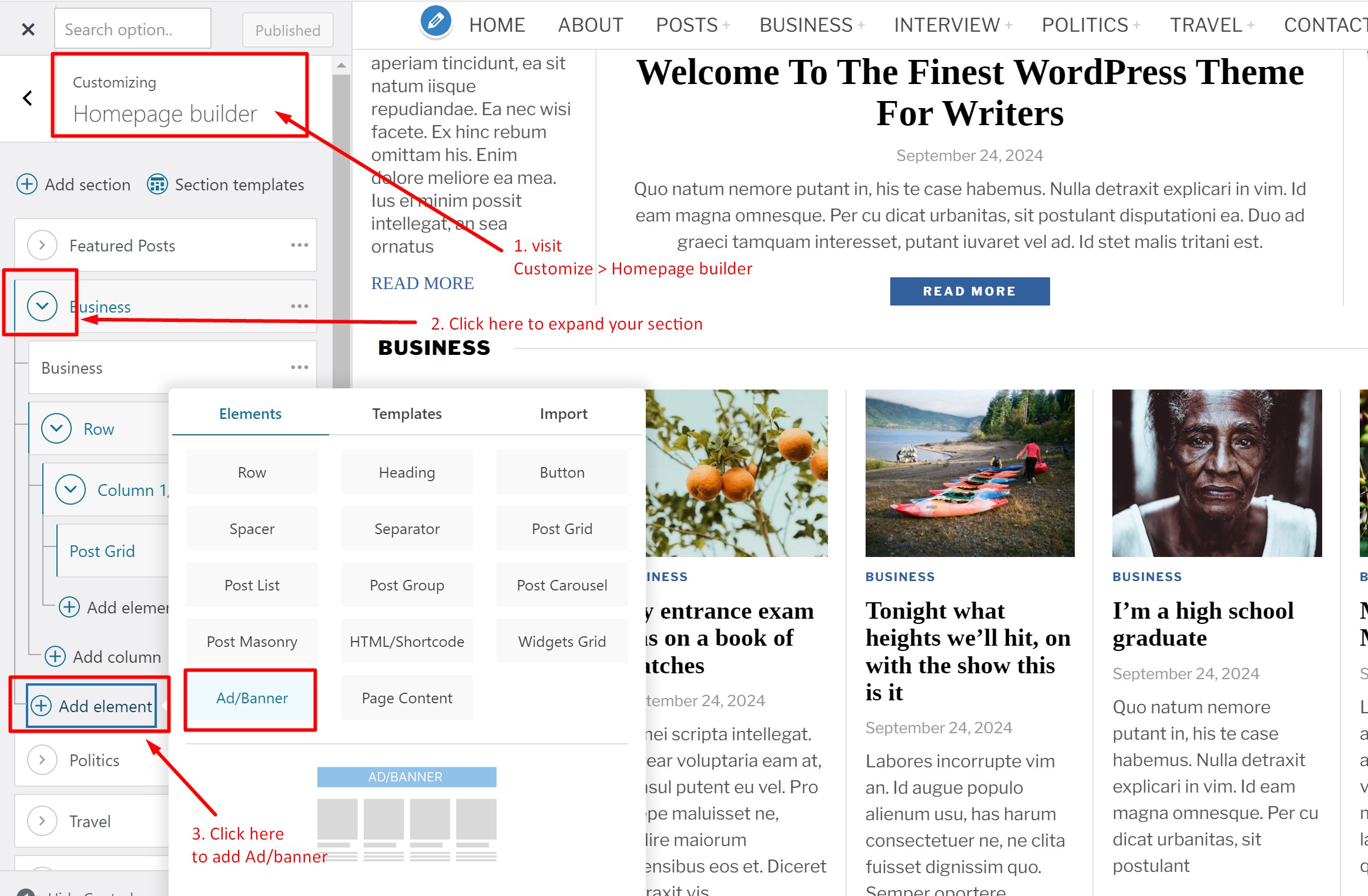
- Step 3
-
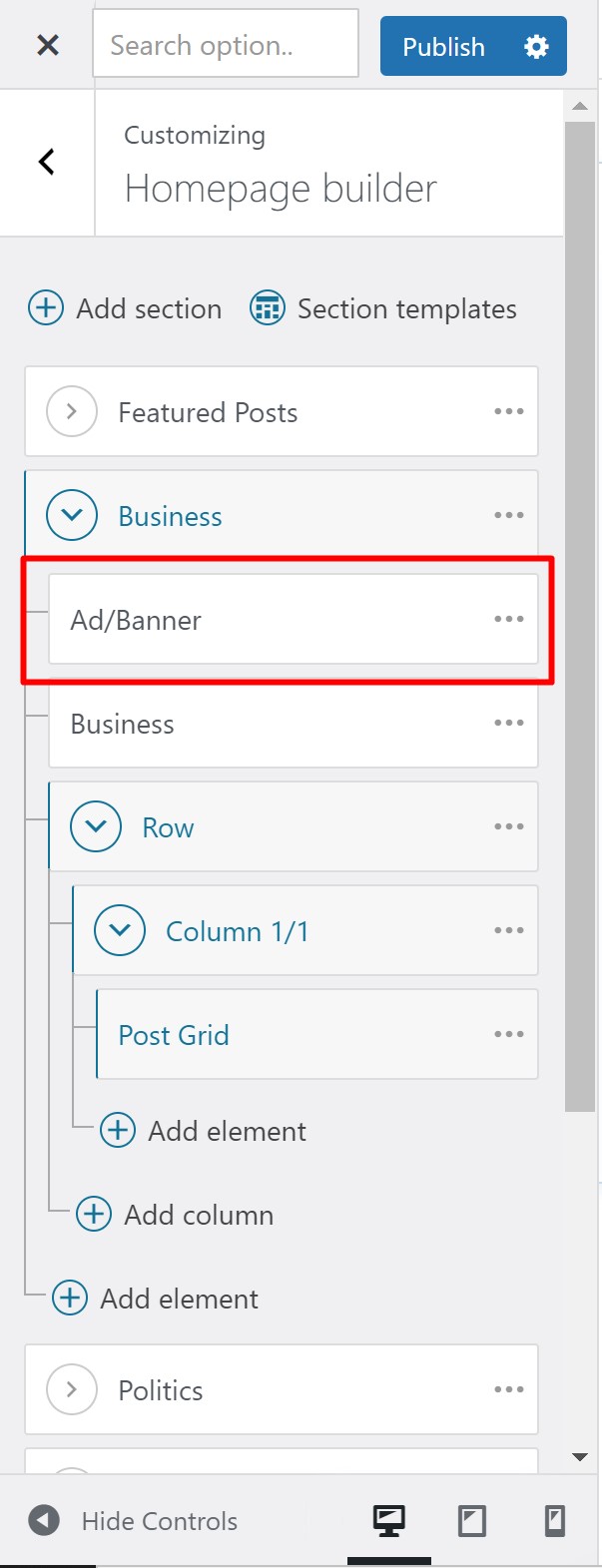
Add Ad widget. You might need to change its position by drag/drop it to the beginning of section.
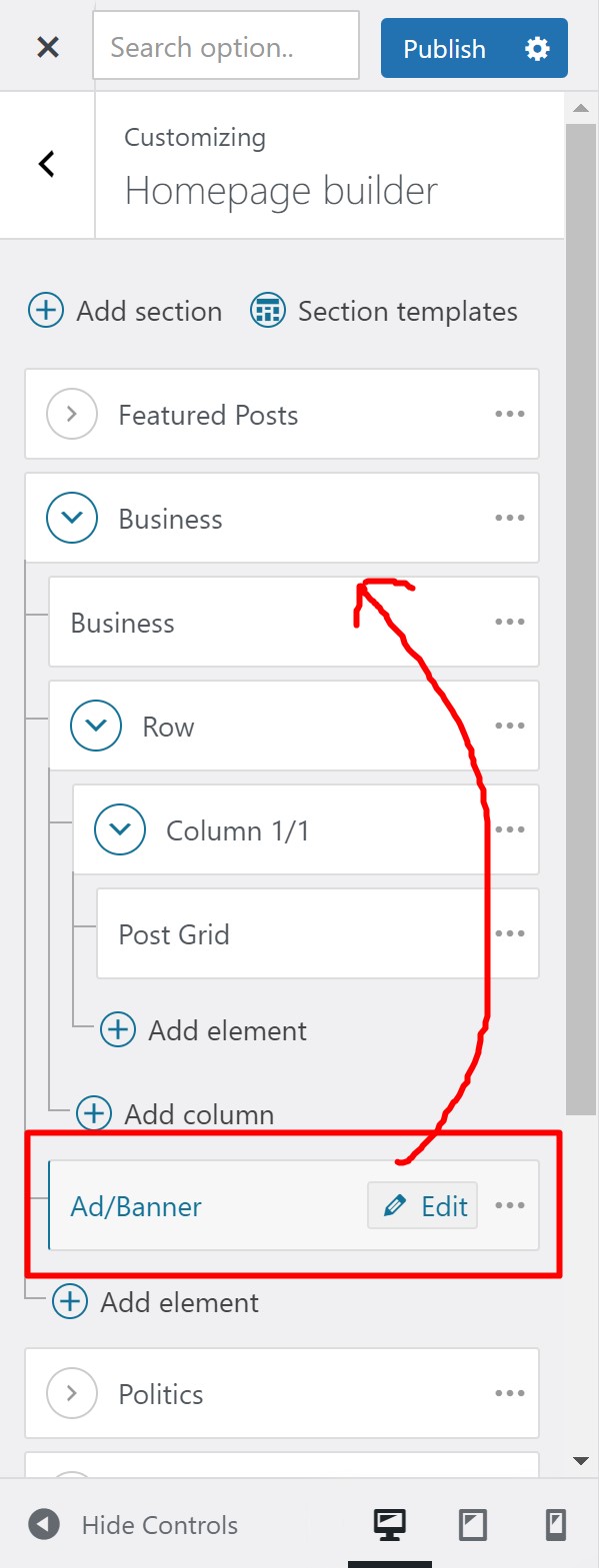
after that:
- Step 4
-
Fill the details. If you’re not sure how to edit the ad widget,
here’s the guide how to edit it
.
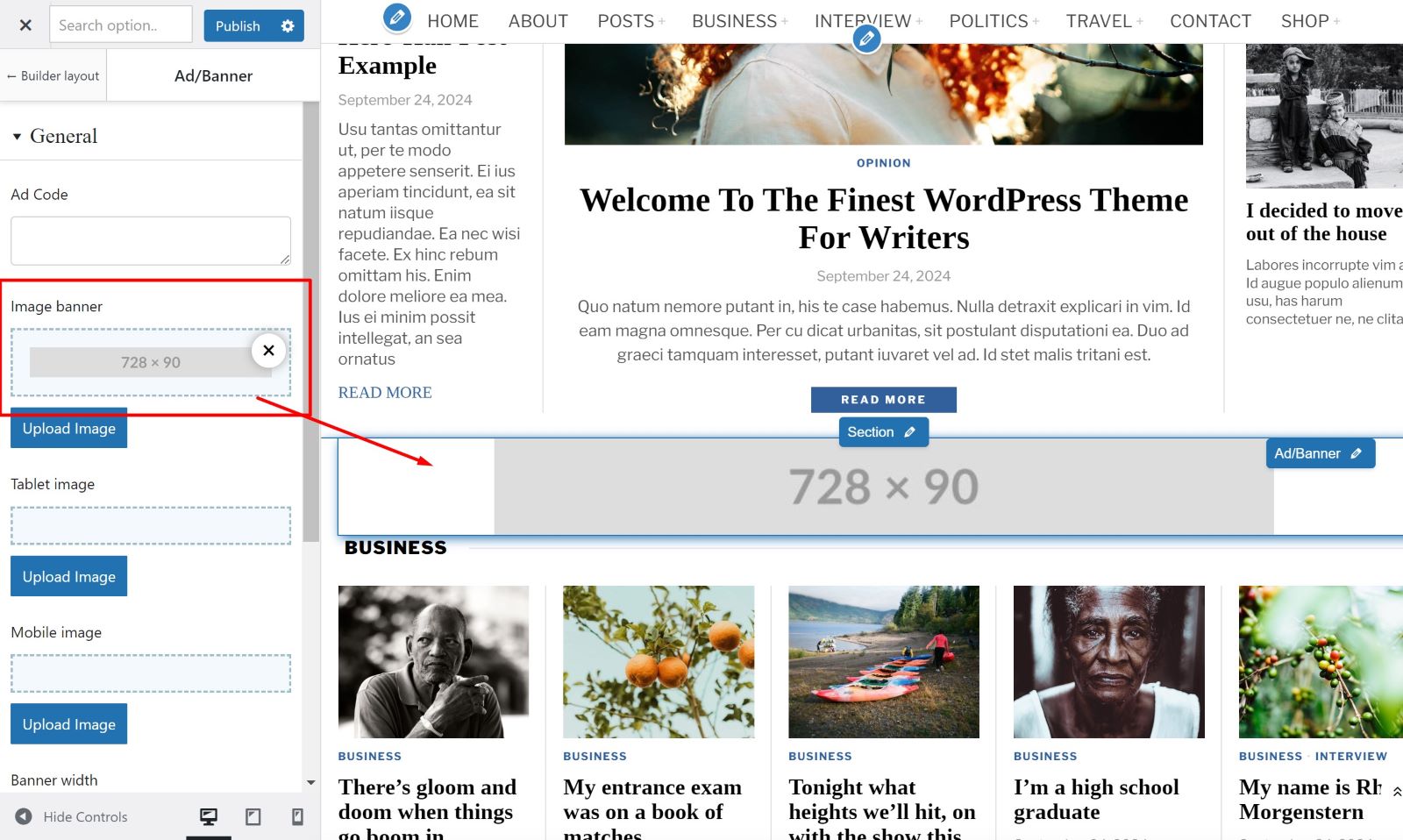
If you have an image banner already, you may upload it.
If you want to insert adsense ad, please
set up your adsense ad
first, then when you have the code, enter the code you have into the Custom code field.
If you fee the ad is too close to other elements, you might want to adjust its margin.