Installing Theme
Before using this theme, you have to install WordPress. To install WordPress, just follow the instructions in the WordPress documentation.
There are two ways to install the Blank theme:
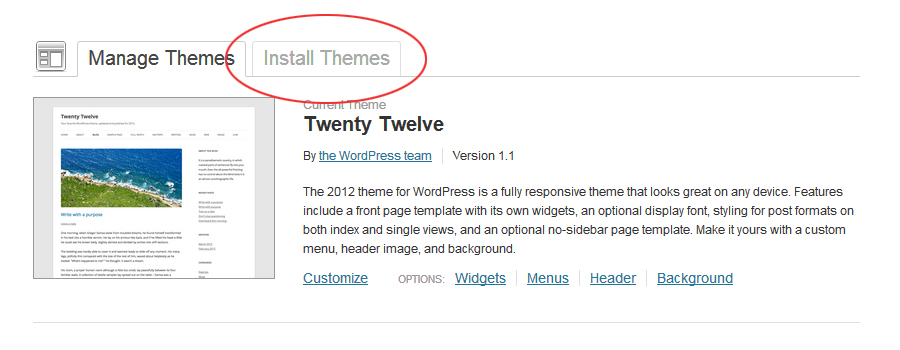
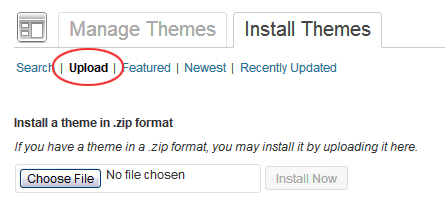
- First way (backend upload): In the Dashboard, go to Appearance » Themes. Click Install Themes » Upload and upload the
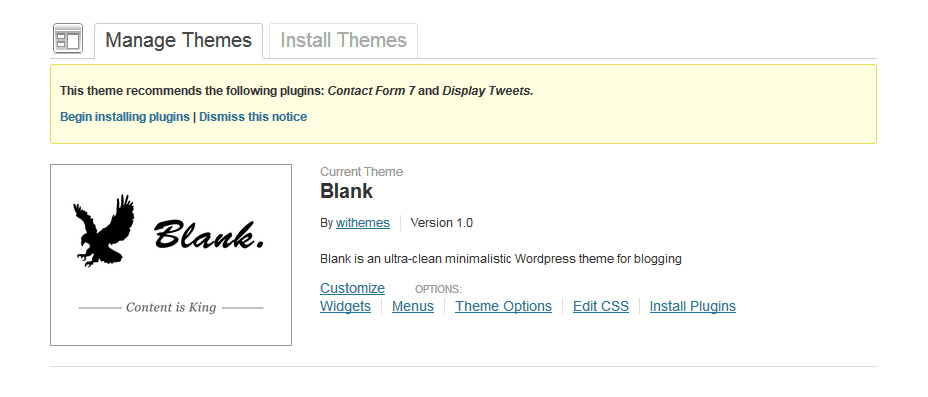
blank.zipfile. Once uploaded, activate the theme. - Second way (FTP): Extract the
blank.zipfile and upload the blank folder to/wp-content/themes/on your server, then activate it.
Important: the package you downloaded from ThemeForest is not the theme itself. Unzip that package until you get a file called blank.zip — that is the actual theme file. If you get the error “Stylesheet is missing”, you uploaded the wrong zip.
Important note: if your site has no content (no posts, no pages), there is nothing else to do. But if your site already has posts, use a plugin such as Regenerate Thumbnails or Ajax Thumbnail Rebuild to generate the thumbnail sizes Blank needs. Install and run it after activating Blank.